PIXELCART
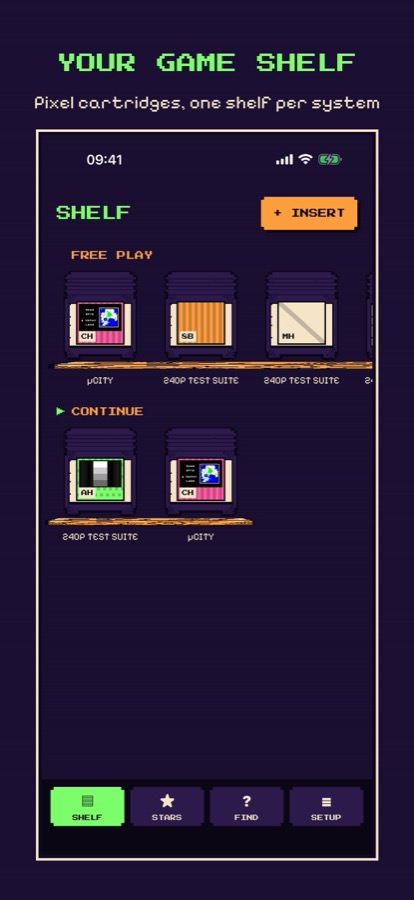
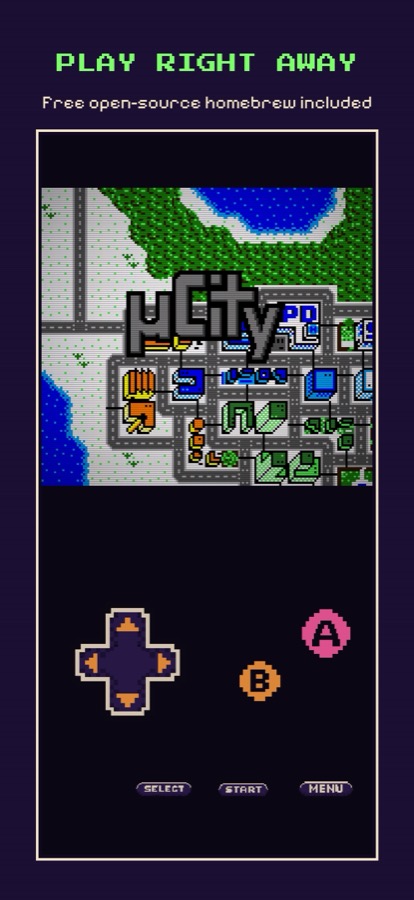
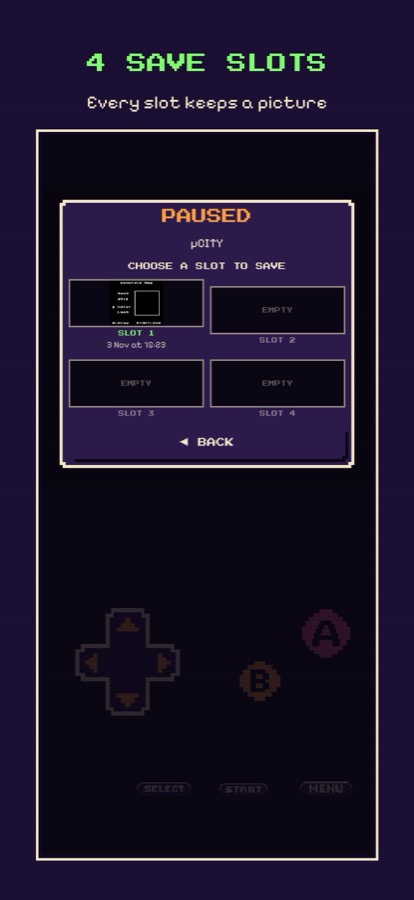
A free retro game emulator for iPhone: a pixel-art cartridge shelf, a CRT screen filter, touch controls drawn for it and four picture save slots per game.
▶ PLAY RIGHT AWAY
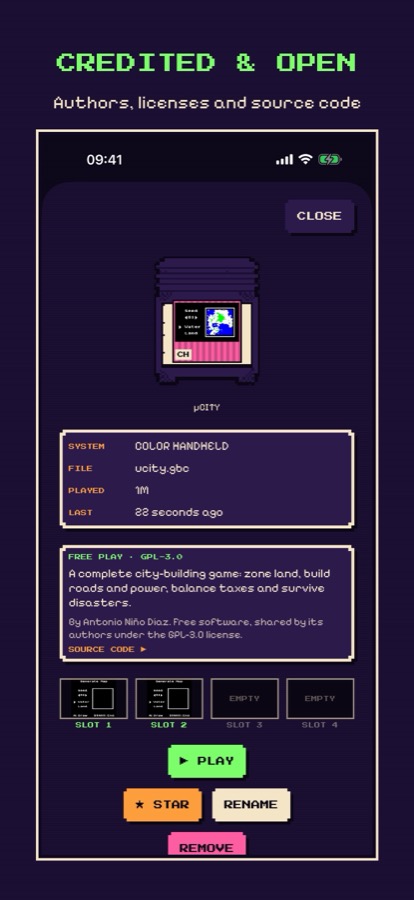
PixelCart ships with free, open-source homebrew:
- µCity — a full city-building game by Antonio Niño Díaz (source, GPL-3.0).
- 240p Test Suite — test patterns for three systems by Damian Yerrick and Artemio Urbina (source, GPL-2.0).
▶ YOUR OWN FILES
Import .nes, .gb, .gbc and .gba files you own from the Files app. PixelCart never downloads games, contains no commercial games and has no web browser. You are responsible for the files you load.
▶ FREE, PRIVATE, OPEN
- No ads, no in-app purchases, no subscriptions, no account.
- No data collection, no network connections.
- Free software: license texts are in the app, and the complete source code is sent free on request to nguyenthienvinh247@gmail.com.
▶ SUPPORT & FAQ
How do I add a game?
Tap + INSERT on the shelf and pick a file in the Files app, or copy files into Files › On My iPhone › PixelCart › Cartridges. They appear when you return to the app.
Which files work?
8-bit home console (.nes, .fds, .unf), mono handheld (.gb), color handheld (.gbc) and 32-bit handheld (.gba) files.
Where are my saves?
On your iPhone, inside the app. They are included in your device backup. Removing a cartridge deletes its saves.
I deleted the free games.
SETUP › PUT FREE GAMES BACK ON THE SHELF.
Where can I get games?
We do not provide or point to game files. Many homebrew authors share free games on their own pages; only use files you have the right to use.
Something is wrong.
Email nguyenthienvinh247@gmail.com with your iPhone model, iOS version and what happened. We answer within 2 business days.